Instant Awakening
Quick answer
Instant Awakening is the Storm 3 mechanic that lets you activate an awakening form on demand instead of waiting for the gauge or a health threshold. In Evolution it lives under the Extra Tech toggle in versus and lobby settings, and 1.11 reworked it with curse mark forms for the Sound Four and Hebi Sasuke.
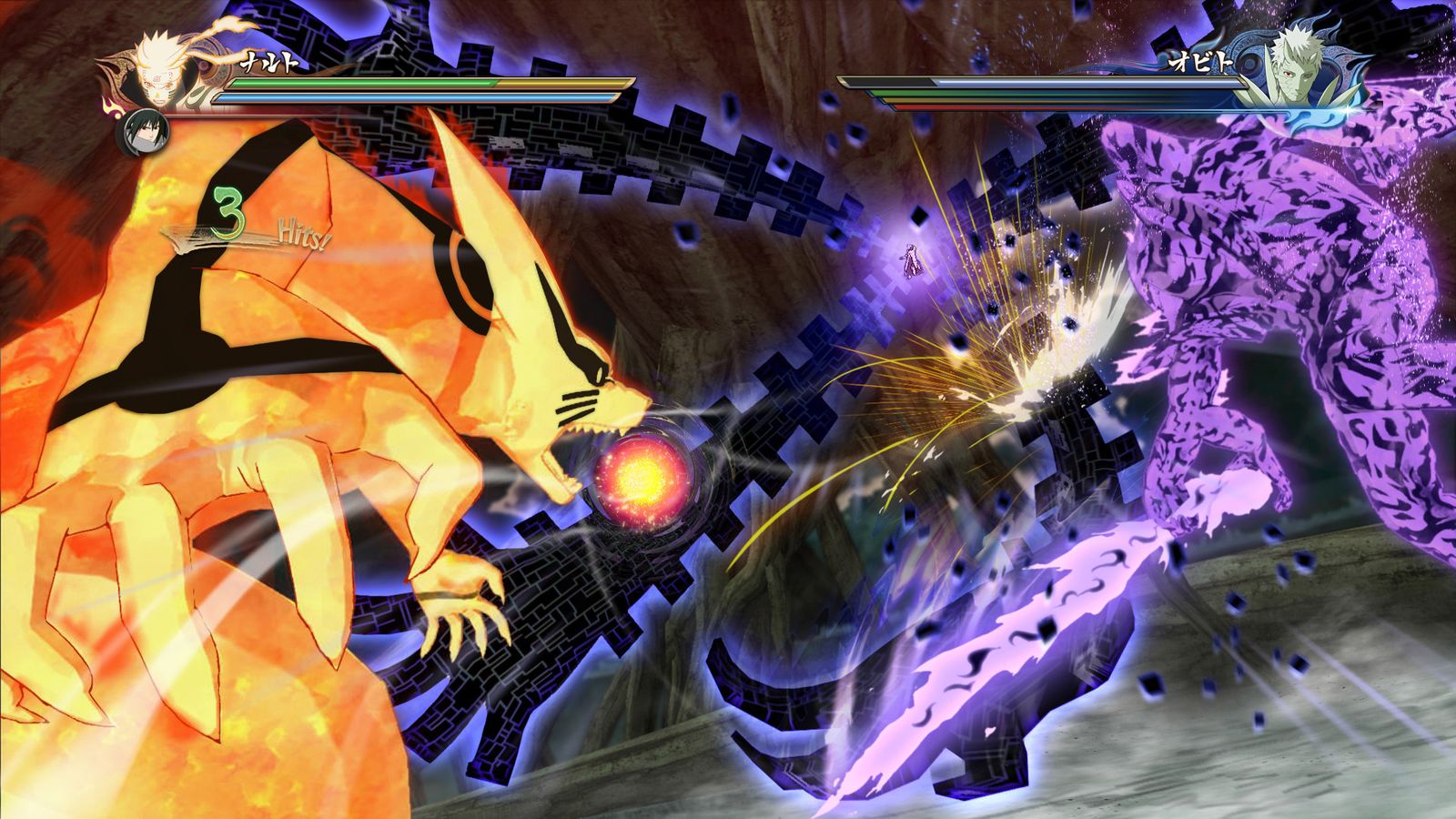
Instant Awakening is one of the two Storm 3 systems Evolution added back. Instead of the series' usual "awaken at low health or full gauge" flow, it gives you a deliberate way into the awakened state.
How it is enabled
- Extra Tech must be on. It is a toggle in versus mode and in the lobby creation screen, so a room without it does not have the mechanic.
- 1.10's release notes list Instant Awakening as an Extra Tech system activated with L3, alongside Relay.
- Singles and Extra Tech modes matter for some characters: Mecha Naruto's 3-Tail awakening, for example, is documented as an instant awakening for Extra Tech and singles play.
What came with it
Because instant awakening exposes awakening models and movesets on demand, it forced the team to handle a lot of edge cases. The mod's notes record fixes such as:
- Instant Awakening after an Ultimate Jutsu confirming on the awakening character.
- Detection for starting jutsu, ultimate jutsu and grab cutscenes being blocked while the attacker is in hitstun.
- Instant awakening fixes for Suigetsu's arm and for Sage Mode eyes on specific Naruto forms.
- Fixes for Hebi Sasuke's third costume changing his jacket while in instant awakening.
Character-specific forms it unlocks
1.11 tied several new transformations to instant awakening:
| Character | What instant awakening gives them |
|---|---|
| Tayuya, Sakon and Ukon, Jirobo, Kidomaru | Curse mark states |
| Hebi Sasuke | Curse mark costume state |
| Kimimaro | Curse mark treatment across outfits |
| Edo Minato | Sage Mode |
| Naruto (The Last) | Sage Mode eyes |
| Mecha Naruto | 3-Tail Mode |
Using it in practice
- Turn Extra Tech on before the match — in versus settings or when creating the lobby.
- Learn each character's input window; the mod documents the activation button but not a universal timing.
- Use practice mode. It has a dedicated Extra Tech flag that, in offline play, keeps the toggle available so you can test the mechanic without a lobby.
Related pages
- Extra Tech — the toggle itself.
- Relay — the other Storm 3 system brought back.
- Curse Mark outfits — the Sound Four forms this mechanic exposes.
- Practice mode settings — where to test it.