Crashes and black screens
A black screen on start is usually a files or graphics problem: validate the mod in the launcher, verify the game in Steam, then force the dedicated GPU on a laptop. A crash during a match is often a specific character or move, and several of those have been fixed in recent builds, so update first.
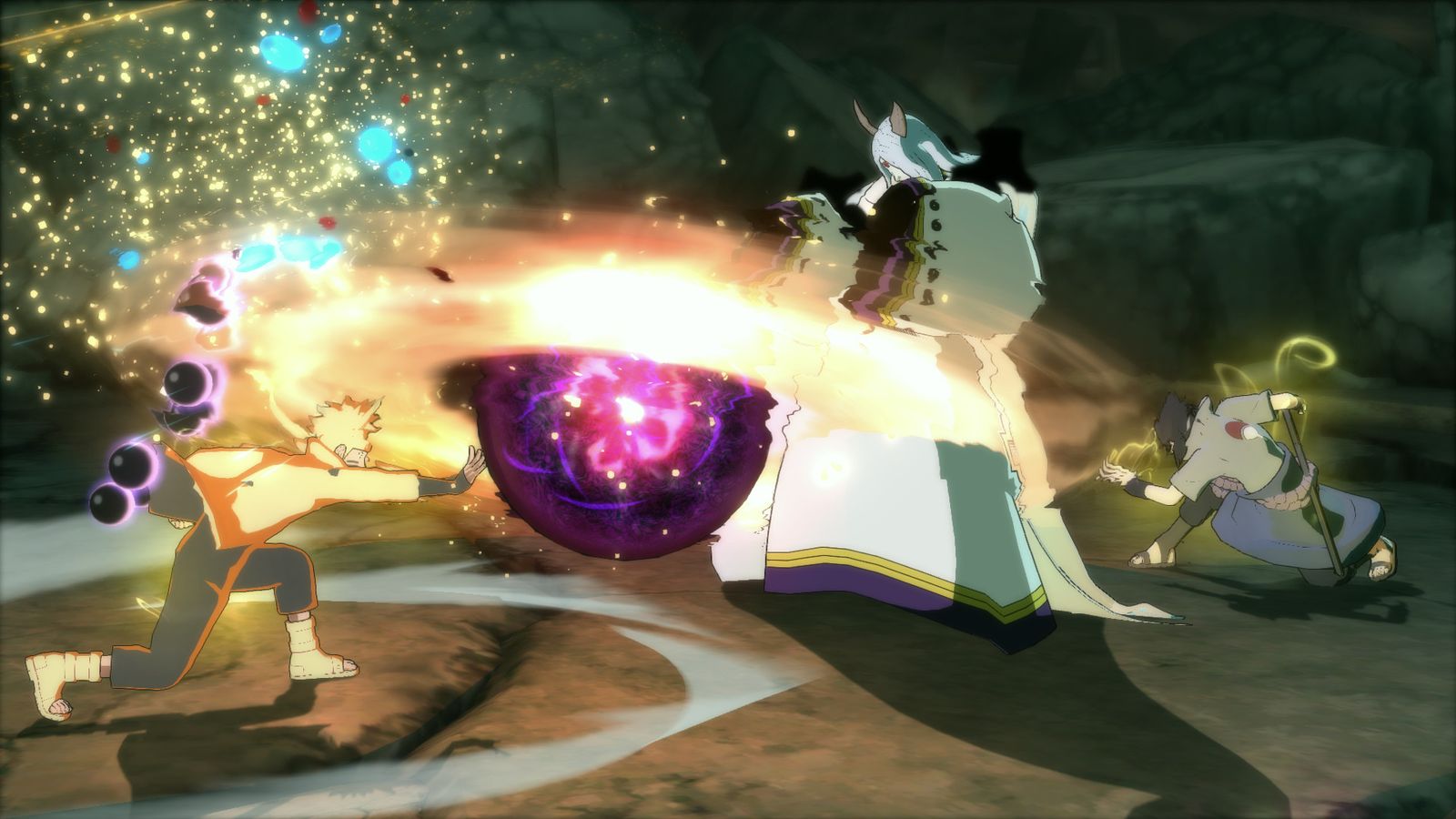
Two different faults get reported as "it crashes": the game never reaches a picture, and the game dies in the middle of something. Treat them separately.
Black screen or crash on start
- Validate in the launcher. A partially downloaded build is the top cause and Validate is the repair.
- Verify the game in Steam. Base-install damage presents exactly like this: verify game files.
- Force the dedicated GPU. On a laptop, integrated graphics plus a heavy scene can hang rather than slow down.
- Try Borderless Windowed. A resolution or display-mode mismatch between the launcher's settings and your desktop is a classic black screen; 1.11 added borderless fullscreen windowed mode for exactly this kind of case.
- Move other mods out. A mixed
data_win32folder can hang the loader before anything renders.
Crashes during a match
Several in-match crashes have been fixed in past builds, which makes updating the first thing to try:
- Sage of Six Paths Madara could crash the game — listed among the mod's headline fixes.
- Rock Lee (Part One) crashed if you picked his second jutsu (Primary Lotus) and then awakened during the match.
- Kimimaro crashed the same way with Camellia Dance plus an awakening.
- Obito (Rampaging) could crash after winning.
- Hello Kitty Sakura hit an infinite load during a team ultimate.
- Armor Break could freeze the game.
If your build is current and one specific character still breaks a match, note the character, the jutsu selected and whether an awakening was active. That is the shape of report the team can act on.
The slow-motion cousin
Everything running at half speed while the game still responds is a different fault with its own page: missing icons and slow motion.
Storage and memory
Two boring causes worth ruling out if crashes are intermittent rather than repeatable:
- Disk space. The mod writes large files; a nearly full drive fails to write mid-match.
- RAM and paging. The mod increased its heap allocation specifically to prevent crashes, which tells you memory pressure was a real cause historically. Close browser tabs and overlays before a long session.
After a crash
Run the launcher and press Validate before you play again. Crashes can leave a file half-written, and that turns a one-off into a repeatable fault.