The Evolution launcher
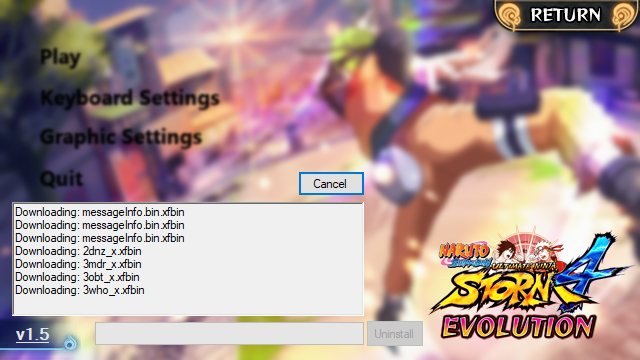
UPDATER checks for a newer build and downloads it; Install lays down the mod files for the build you picked; Validate re-checks every file and repairs what is missing or stale. Add NSUNS4e.exe to Steam as a non-Steam game to launch quickly, but come back to the launcher whenever you want to update.
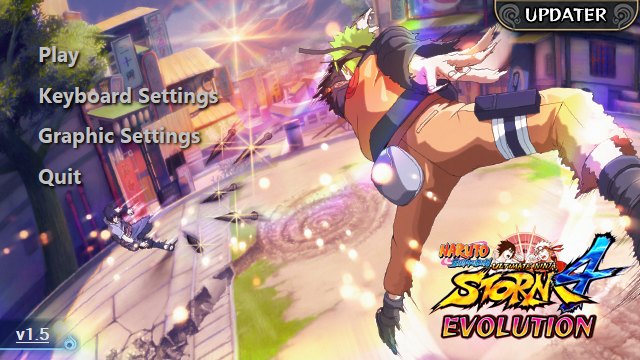
The launcher is the whole control panel for the mod: it holds the game files, updates them, validates them and removes them. It is also where the Evolution-specific options live.
The buttons
| Button | What it does | When to press it |
|---|---|---|
| UPDATER | Checks the official feed for a newer build and downloads it | First install, and after the team ships a release |
| Install | Downloads the mod files for the selected build | Once, during setup |
| Validate | Compares your files with the expected build and repairs them | After any update, and any time content goes missing |
| Uninstall | Removes the mod files from the game folder | When you want a clean STORM 4 back |
Launching quickly
The launcher is not the fastest way to start playing. If you want Evolution in your Steam library, add it as a non-Steam game:
- In Steam, choose Games → Add a Non-Steam Game to My Library.
- Press Browse and navigate to
C:\Program Files (x86)\Steam\steamapps\common\NARUTO SHIPPUDEN Ultimate Ninja STORM 4. - Select NSUNS4e.exe and press Open.
- Press Add Selected Programs — NSUNS4e now appears in your library.
Updates still go through the launcher, so keep it around after you set this up.
Options the launcher controls
- PlayStation controller button layout — swaps the on-screen prompts to match a DualShock layout instead of the Xbox default.
- In-game settings access — a good part of the game's own configuration can be changed from here instead of hunting through menus.
- Separate lobbies — Evolution players get their own online rooms, so the mod's mechanics stay consistent between everyone in the match.
- Extra Tech toggle — turns the optional tournament-leaning systems on or off when you create a lobby.
If the launcher will not open
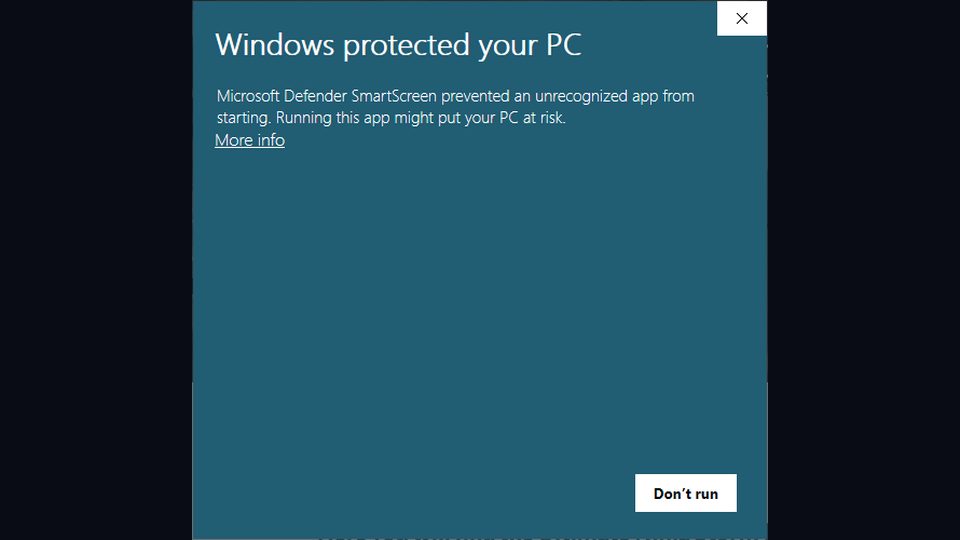
That is almost always the pre-install state of the game folder rather than the launcher itself: an existing mod, a missing Steam copy, or a file that Steam needs to repair. See launcher problems.