Steam file verification
Right-click NARUTO SHIPPUDEN: Ultimate Ninja STORM 4 in Steam, open Properties, go to Installed Files and press Verify integrity of game files. Steam re-downloads anything missing or corrupted. When it finishes, open the Evolution launcher and press Validate so the mod re-checks its own files on top of the repaired base game.
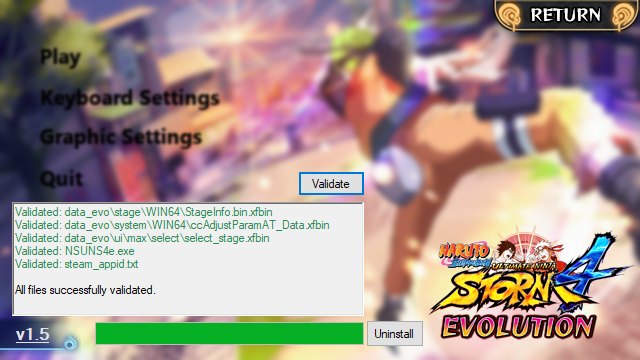
A Steam file check is the answer to a specific class of problem: the mod's files are fine but the game underneath them is not. Missing icons, characters that load without textures, audio cutting out, a stage that hangs on load — all of these can come from a damaged base install.
What the check does
Steam hashes every file it shipped with your copy of STORM 4, compares them against the depot, and re-downloads whatever does not match. It does not touch mod files and it does not remove your saves.
Running it
- Open your Steam library and find NARUTO SHIPPUDEN: Ultimate Ninja STORM 4.
- Right-click the game and choose Properties.
- Open the Installed Files tab.
- Press Verify integrity of game files and let it run. It can take several minutes on a large install.
- Close Steam when it finishes.
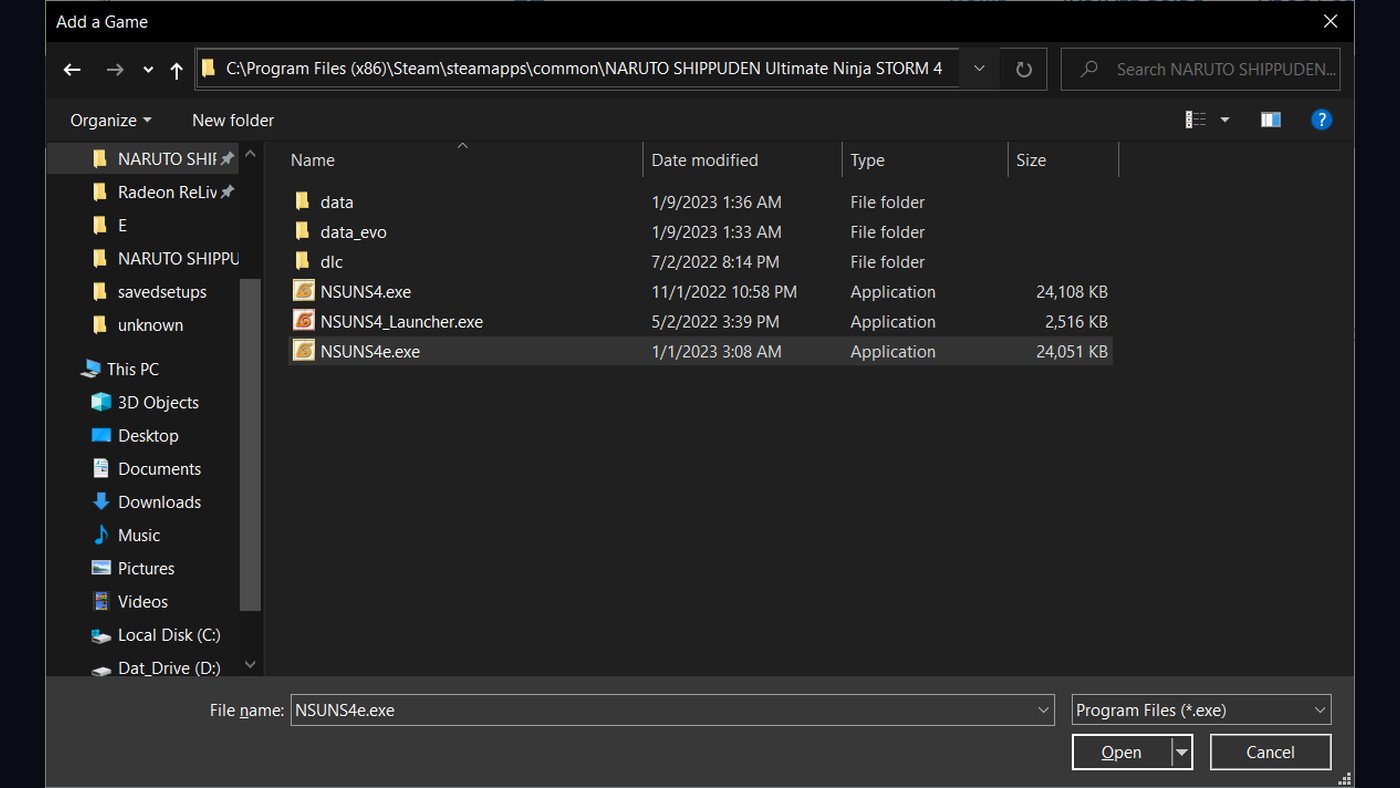
Then press Validate in the launcher
This second step is the one people skip. Verification restores the base game; the Evolution files sit on top of it and were never part of Steam's manifest. Open the launcher and press Validate so the mod re-checks the files it owns against the build it expects.
Skipping this is why a repair sometimes makes things worse for an hour: the base files are now correct, but the leftover mod fragments do not match what the launcher thinks is installed.
When to do this
- After any Steam update to the game.
- After a crash that forced the game to close.
- When content vanishes between sessions.
- Before you report a bug to anyone — this is the first thing you will be asked to do.
If it still fails
A verification that cannot finish usually means a disk problem or an antivirus blocking writes. Exclude the STORM 4 folder from your antivirus and try again. If the mod still will not start afterwards, work through troubleshooting.