How to play Storm Evolution
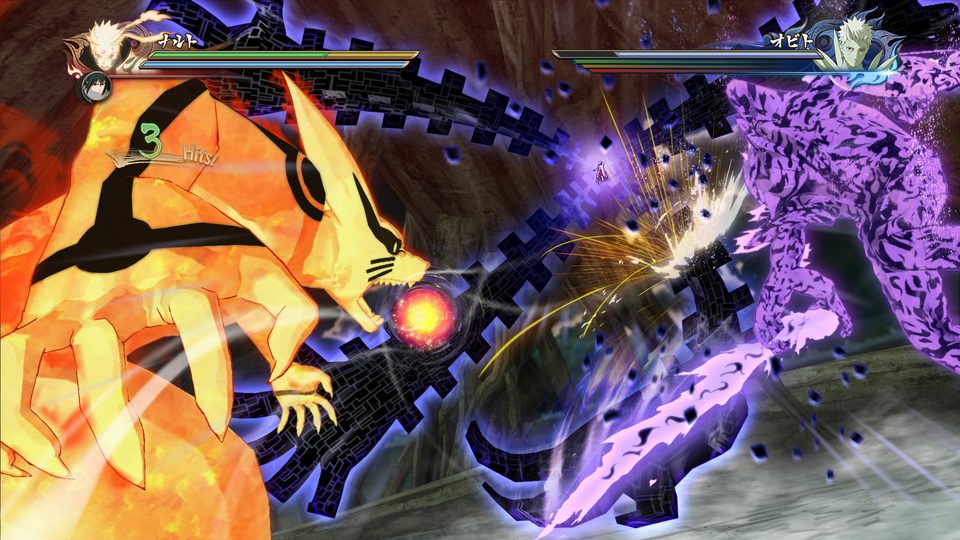
Launch the mod through NSUNS4e.exe rather than Steam, start in versus or practice mode, and turn Extra Tech on if you want Instant Awakening and Relay. Expect three differences from vanilla immediately: counters eat projectiles, switching no longer fills the Storm Gauge, and support types were reassigned across the roster.
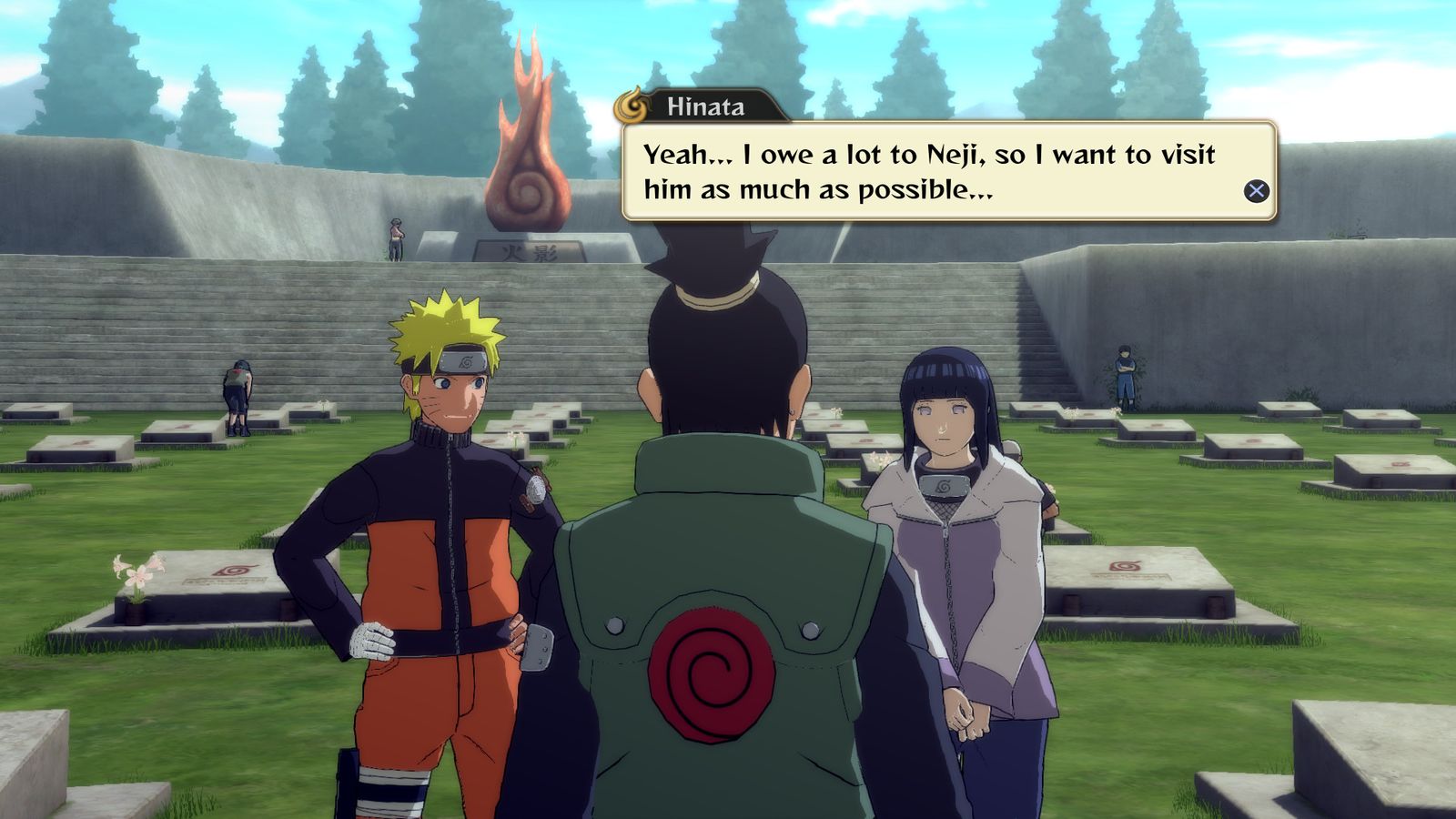
If you know STORM 4, you know most of Evolution. This page is about the four things you have to unlearn.
1. Launch the mod, not the game
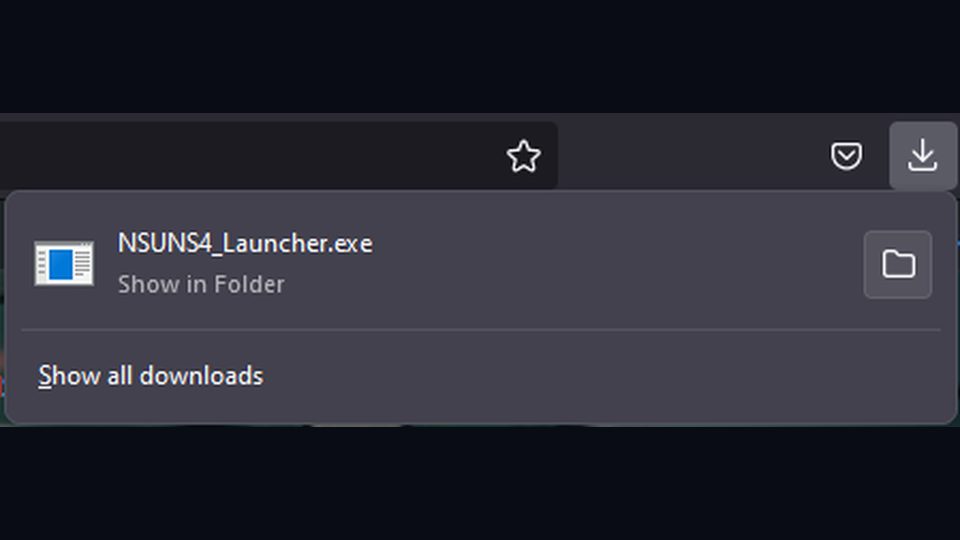
Evolution lives behind its own executable. Starting STORM 4 from your Steam library gives you vanilla: no new characters, no reworked supports, none of the mod's mechanics. Either start from the launcher or add NSUNS4e.exe to Steam as a non-Steam game.
2. Extra Tech is a choice you make before the match
The Storm 3 systems — Instant Awakening and Relay — sit behind the Extra Tech toggle in versus settings and in lobby creation. Decide before you start: a match with it on plays differently from one with it off. Extra Tech explains what it carries.
3. The mechanics you will notice first
| You expect (vanilla) | What happens in Evolution |
|---|---|
| Switching repeatedly fills the Storm Gauge | Switching no longer does; the gauge comes from engaging |
| Counters handle physical attacks | Counters now delete projectiles too |
| Ring Out can decide a match | Ring Out is removed |
| Counter Attack Substitute is cheap | Its cost was doubled |
| Supplements carry the same support type | Supports were reassigned across the roster |
The counter change and the substitute cost are the two that catch out returning players fastest. Substitute discipline matters more here than it did.
4. Where to start training
Practice mode is unusually well equipped in Evolution: hitbox display ported from the game's debug build, a Guard Gauge toggle, a Battle HUD toggle, a Half option for the Storm Gauge, and costume damage control so you can inspect armour break states on demand. See practice mode settings.
A sensible first hour
- Confirm the install — install walkthrough.
- Take one character you already know into practice and check the two big changes: counters against projectiles, and gauge gain.
- Try one new character from the 1.10 additions or Nanashi Uchiha.
- Play a versus match with Extra Tech off, then one with it on. That is the quickest way to feel what the toggle does.
- Read mechanic changes for the rest of the list.
Modes
Everything from the base game is present: versus, story, adventure, practice, online. Story and adventure remain playable with the mod installed, and progress is kept in the mod's own save file — save file and progress has the detail.
When something feels wrong
Missing characters, icons or audio almost always come back to the same three repairs: move other mods out, verify the game in Steam, validate in the launcher. Start at troubleshooting.