Retail Steam copy and DLC
You need a retail copy of NARUTO SHIPPUDEN: Ultimate Ninja STORM 4 bought on Steam, with no other mods in the game folder. The standard edition works, but Storm Connections characters, stages and costumes are read from the Next Generations DLC, so most of the mod's extra roster needs that DLC installed.
The mod's install guide states its scope in one line: Evolution works on a retail version of STORM 4 downloaded through Steam, that has no existing mods or mod packs. Everything else people ask about — editions, DLC, cracked builds — follows from those two conditions.
Retail, Steam, unmodified
- Steam retail only. The launch chain, the online lobbies and the launcher's own updater are built around a Steam installation.
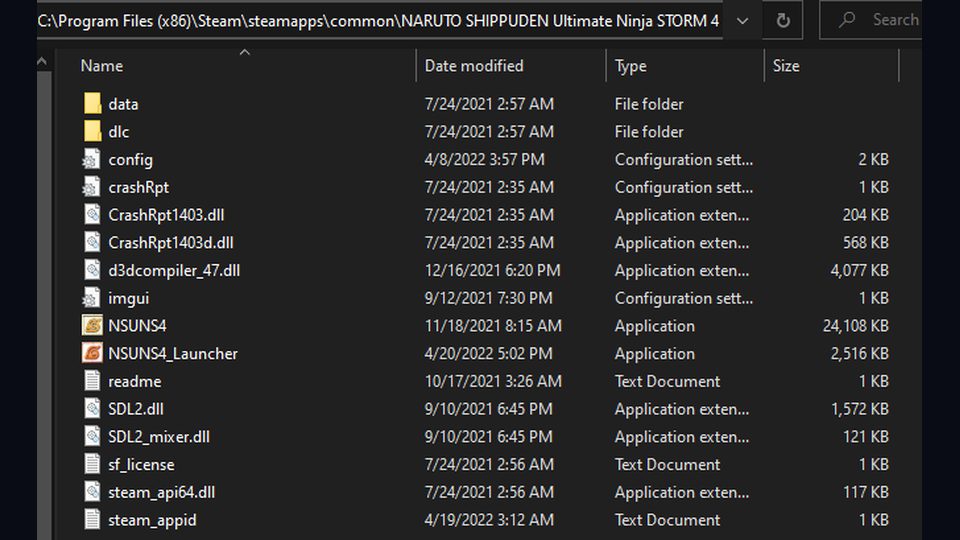
- No other mods. Old mod folders in the game directory break the mod's start-up. Move them out, do not delete them, so you can put them back later.
- Opened once. The game has to have created its save data before the launcher is copied in.
Which edition
The base game is enough to run Evolution, and the mod's own community guidance is that the standard edition works. What the standard edition does not give you is the DLC content, and Evolution reads several things from it.
The DLC question
When the Storm Connections material was ported in 1.07, the release notes came with a footnote: Storm Connections characters and stages require the Next Generations DLC. In practice that means:
| Content | Needs the DLC? |
|---|---|
| Base STORM 4 roster, all Evolution balance work | No |
| Reworked supports, items, Storm Gauge, Instant Awakening | No |
| Storm Connections characters (Kawaki, Jigen, Delta, Boro, Isshiki, Kashin Koji and others) | Yes |
| Storm Connections stages | Yes |
| Storm Connections costume ports | Yes |
If your roster looks complete but a chunk of the character select is missing, that is the signature of a missing DLC rather than a broken install — see missing characters.
About cracked copies
If the launcher refuses to run, or the mod starts and then cannot reach Steam, the thing to check first is whether the game is a Steam retail build. Fixing that is a purchase, not a config tweak, and the mod's online lobbies assume Steam regardless.
Next
Check your game folder for leftovers before you install — removing old mods — then follow the install walkthrough.