How to install Storm Evolution
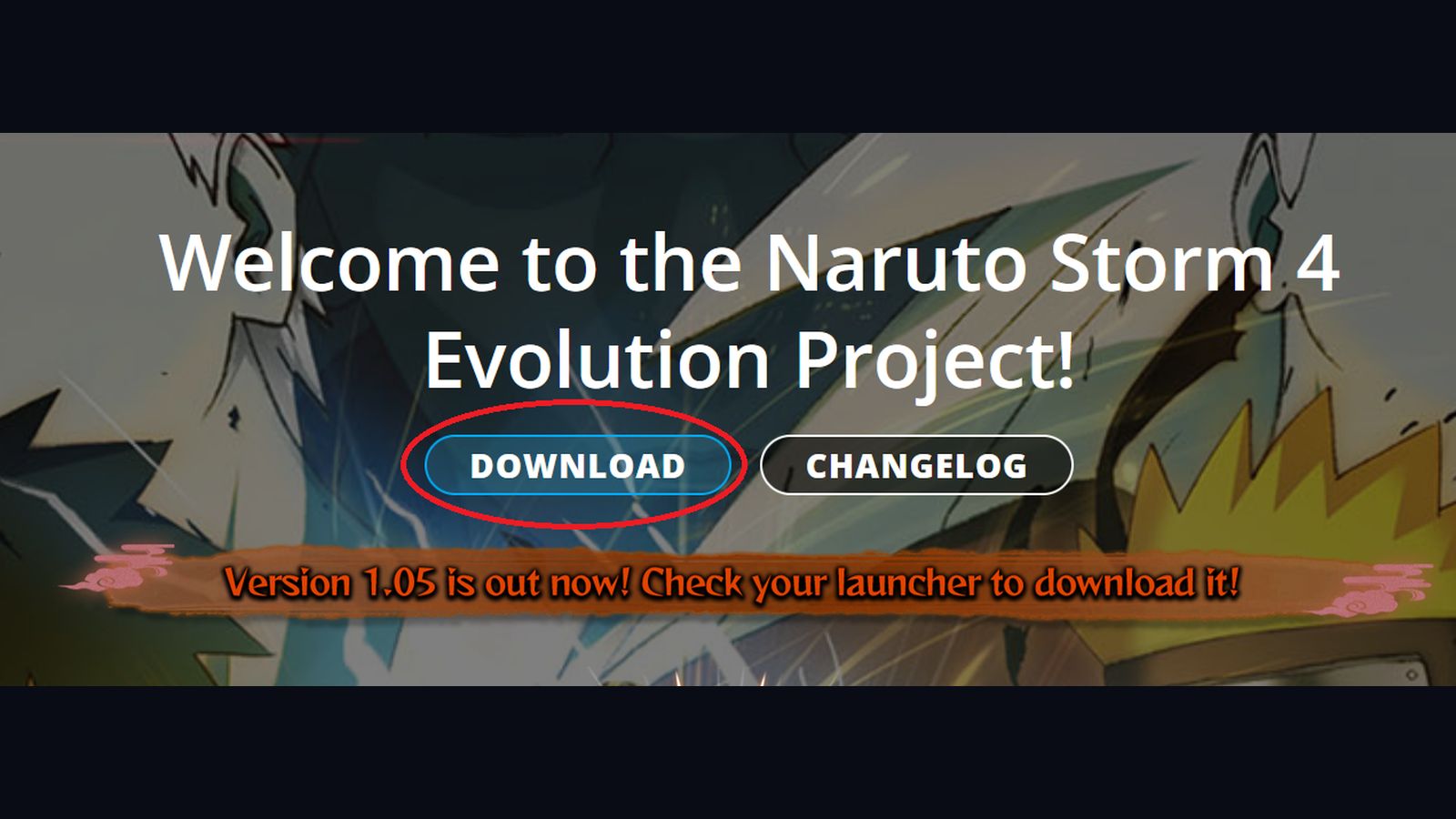
Download the Evolution launcher, cut and paste it into your STORM 4 folder (Steam → steamapps → common → NARUTO SHIPPUDEN Ultimate Ninja STORM 4), run it, press UPDATER, press Install, wait for the files, then press Validate. After that you always start the game from the launcher's own exe, not from Steam.
The mod team's own install guide is short, and the order matters more than the wording. Below is that order with the parts players get stuck on filled in.
Before you touch anything
Three conditions have to be true, or the launcher will install files that the game then refuses to read:
- Retail STORM 4 from Steam. Evolution is built to run inside a Steam copy.
- No existing mods. If your game folder already has a
data_win32folder from another mod, move it out first — the old mods page covers this. - The game has been launched at least once. Accept the EULA and get past the title screen so STORM 4 creates its save data.
Step by step
- Download the Evolution launcher from the mod's official site.
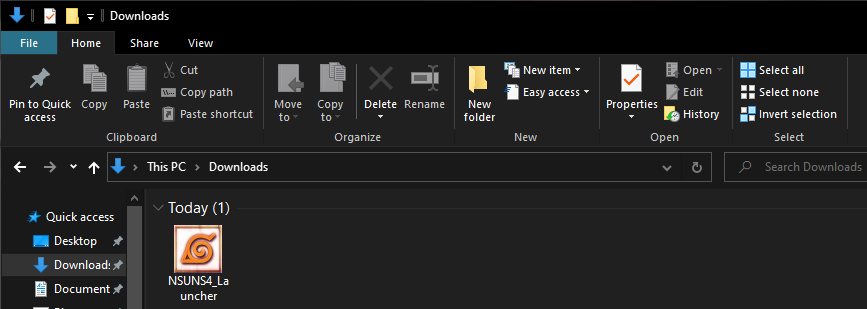
- Find the file in your downloads. If you cannot see a folder for it, right-click the download and choose "show in folder".
- Cut the launcher (right-click → Cut) and paste it into the game directory:
C:\Program Files (x86)\Steam\steamapps\common\NARUTO SHIPPUDEN Ultimate Ninja STORM 4 You can also right-click it there and send a shortcut to your desktop.
- Run the launcher. Windows SmartScreen will warn you about an unrecognised app — press More info, then Run anyway. The mod is not code-signed, which is normal for a community project.
- Press UPDATER in the top-right corner of the launcher window.
- Press Install when the prompt appears and let it download the mod files. This is the long part; the download is measured in tens of gigabytes and players report anywhere from under an hour to a couple of hours depending on connection.
- Press Validate once the download finishes. Validate compares your files against the build the launcher expects and repairs anything that landed badly.
- Press Return, then play. From here on, start Evolution through the launcher's own executable, or add that exe to Steam as a non-Steam game so it launches like anything else.
The two details people miss
- Launch through the mod, not through Steam. If you start STORM 4 from your Steam library, you get the unmodified game. The Evolution files are read by the launcher's own executable.
- Validate after every update. Skipping it is the usual cause of missing icons, silent characters and half-loaded stages after a patch.
Laptop players
A laptop usually hands the game to its integrated graphics unless you tell it otherwise. Open your AMD Radeon Software or NVIDIA Control Panel and set the dedicated GPU for NSUNS4e.exe. That one setting is the difference between a stable 60 FPS and a slideshow.
After it is installed
Head to the launcher page for what each button does, or 1.11 if you want to know what you just installed.