Practice mode settings
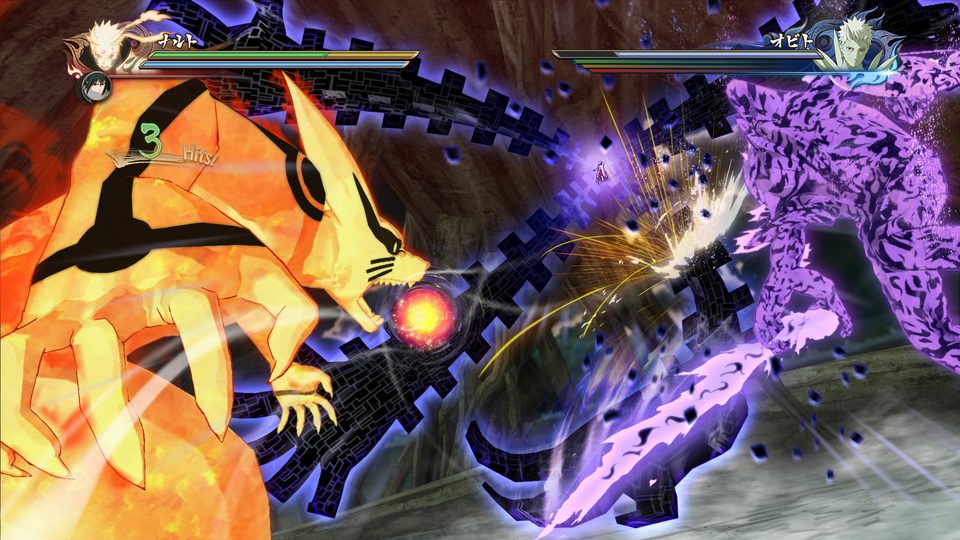
Evolution added practice mode toggles for the Guard Gauge, the Battle HUD, a Half option for the Storm Gauge, elemental effects and costume damage, plus a hitsphere display ported from the debug build of Storm 4 so you can see hitboxes while you train.
Practice mode is where Evolution is easiest to learn, because the mod uses it as a test bench. Recent builds added settings that let you reproduce a state instead of playing your way into it.
The toggles
| Setting | What it does | Why you would use it |
|---|---|---|
| Guard Gauge | Shows the guard gauge | Practise guard breaks with the number in view |
| Battle HUD | Shows or hides the match HUD | Clean screen for combo recording or hitbox study |
| Storm Gauge "Half" | Starts the gauge at half | Reach gauge-dependent states without farming |
| Elemental Effects | Toggles elemental hit effects | Isolate what you are looking at, or turn off visual noise |
| Costume Damage | Toggles costume damage | See armour break states, curse marks and torn outfits on demand |
| Hitsphere display | Shows hitboxes, ported from the debug build of Storm 4 | Learn spacing, ranges and what actually connects |
Two more that live in the same area:
- The Extra Tech flag persists in offline play. 1.10 fixed a bug where it reset, so you can bring the Extra Tech rule set into an offline, non-versus practice session.
- Stage select behaviour. Recent builds made stage select instantly pick when you randomise, matching what the character screen does.
The hitsphere display is the standout
It comes from the game's own debug tools. If you are trying to understand why a move whiffs at point blank, or why a tilt tracks the way it does, this is the feature that answers it — and it lines up with the mod's design philosophy, which has been hitbox-driven from 1.07 onward.
Why the mod keeps adding these
Look at any recent changelog and the pattern is visible: hitsphere size and offsets, active frames, cancel windows, start-up. Characters are balanced by adjusting boxes and frames, not by rewriting animations.
That is exactly the kind of change you cannot appreciate from a video, and it is why the practice toggles exist.
Related pages
- Storm Gauge and guard health — what the gauges mean.
- Mechanic changes — the wider rework.
- Extra Tech — the flag that persists offline.