Online play and lobbies
Evolution players get their own online lobbies so that modded mechanics stay consistent between everyone in the room. When you create a lobby there is an Extra Tech toggle that decides whether the optional mechanics are on for that match, and players on the unmodded game cannot join a modded room.

Online is one of the areas the mod deliberately separates from the base game, and it is worth understanding why before you blame matchmaking.
Separate lobbies, on purpose
The mod's own feature list leads with it: separate lobbies for players using Evolution. If modded and unmodded clients shared rooms, the two would disagree about hitboxes, Storm Gauge behaviour and the whole reworked mechanic set, and every match would be a coin toss. Keeping Evolution players together keeps matches consistent.
The practical rule: everyone in the room needs the mod, and preferably the same build.
The Extra Tech toggle
When you create a lobby, Extra Tech is a toggle rather than a permanent setting. It controls the optional, tournament-leaning layer of mechanics — the same switch that carries the returning Instant Awakening and Relay systems. Turn it on if you want that ruleset; leave it off for a match closer to the base game's feel.
Because it is per-lobby, agree on it before the first round rather than arguing afterwards.
Matching with a friend
- Both players are on the same Evolution build. Check the version pages if one of you has not updated recently.
- One creates the lobby, sets Extra Tech, and shares the room.
- Both launch through
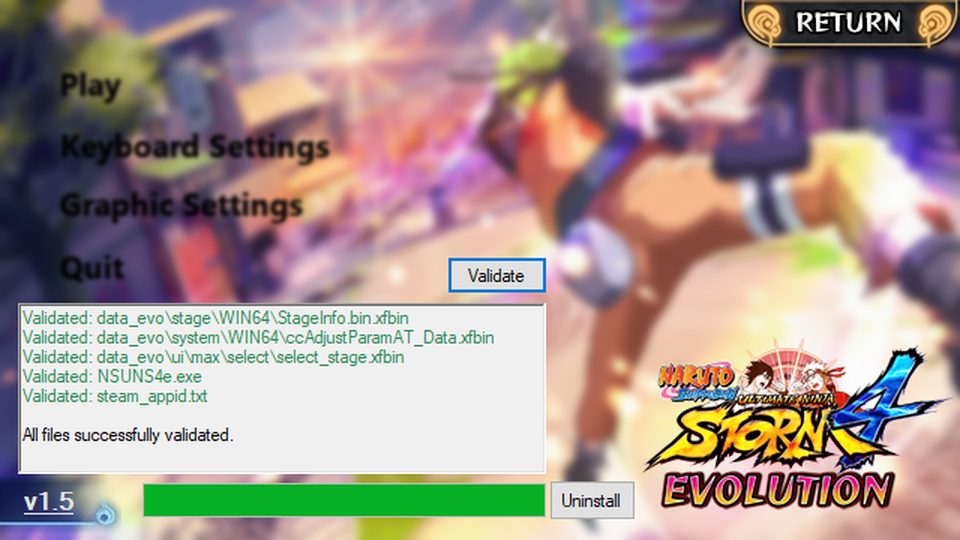
NSUNS4e.exe, not through the Steam game entry.
When you cannot find anyone
- You are in vanilla matchmaking. Launching the mod executables is what puts you in the modded pool.
- Your build is out of date. A player on 1.10 and a player on 1.11 are not guaranteed to see each other.
- Steam connectivity problems. Anything that breaks Steam's local connection also breaks the mod's online layer — the same fault behind the launcher's "could not initialise Steam" error, covered on launcher problems.
Offline play
Everything in the mod works offline: versus against the CPU, practice mode with the expanded settings, story and adventure. Several players report offline play as the more stable experience during a big update cycle, which is a sensible way to try new mechanics before taking them online.
Reporting an online bug
Note both players' build numbers, the lobby's Extra Tech setting, and whether the problem was a desync or a disconnect. Those three facts separate a mod bug from a network one.